|
1
|
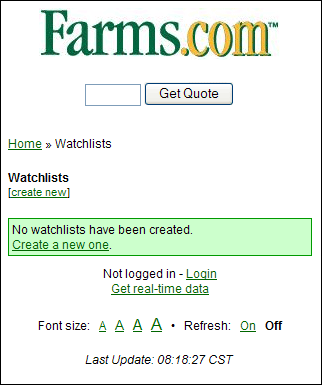
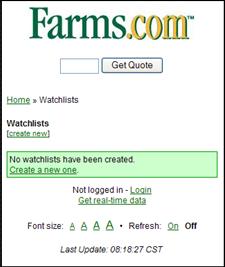
- How to create a ‘Watchlist’
- Example: MyQuotes
|
|
2
|
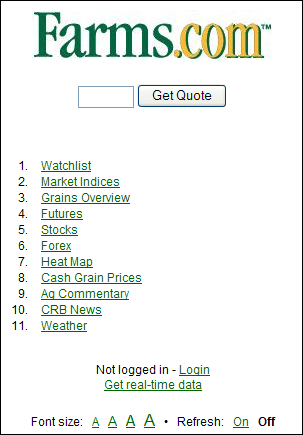
- Go to http://mobile.farms.com
- Select ‘Watchlist’ from the available options.
|
|
3
|
|
|
4
|
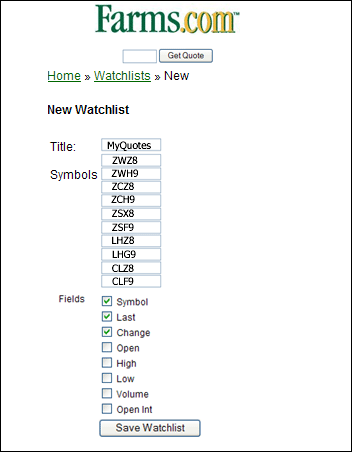
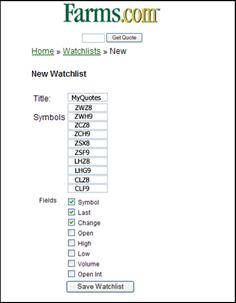
- Set up a Watchlist titled
- MyQuotes to track the
- following:
- Wheat Dec’08 contract (ZWZ8)
- Wheat Mar’09 contract (ZWH9)
- Corn Dec’08 contract (ZCZ8)
- Corn Mar’09 contract (ZCH9)
- Soybeans Nov’08 contract (ZSX8)
- Soybeans Jan’09 contract (ZSF9)
- Lean Hogs Dec’08 contract (LHZ8)
- Lean Hogs Feb’09 contract (LHG9)
- Crude Oil Dec’08 contract (CLZ8)
- Crude Oil Jan’09 contract (CLF9)
|
|
5
|
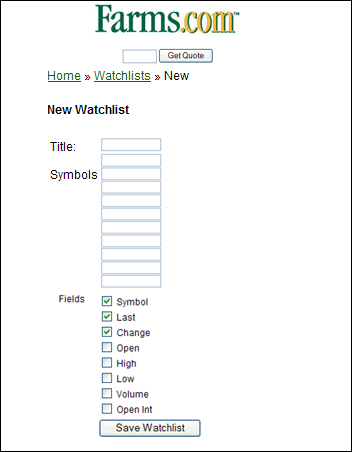
- Complete the form by entering the ‘Title’ and ‘Symbol’ for each
contract.
- Click ‘Save Watchlist’ button.
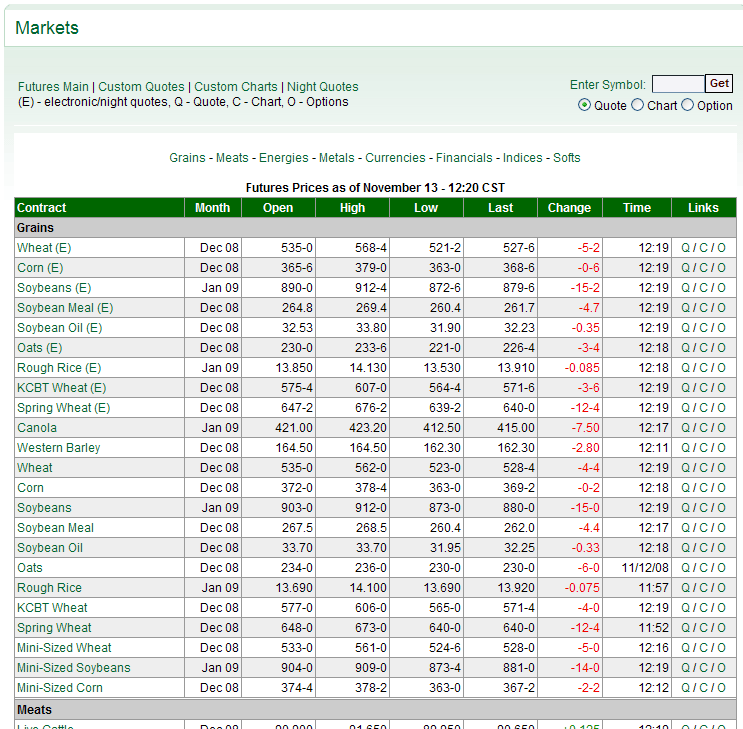
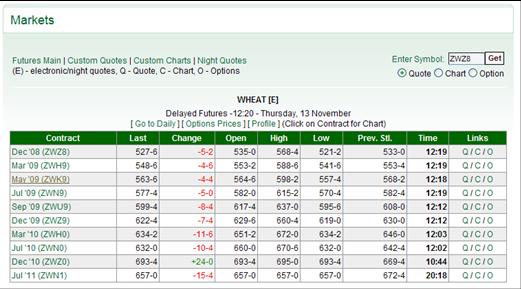
- Not sure what the ‘Symbol’ is?
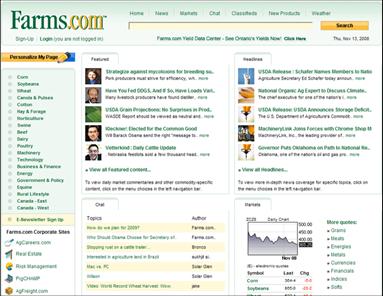
- Visit http://www.farms.com and
click on the ‘Markets’ link
|
|
6
|
|
|
7
|
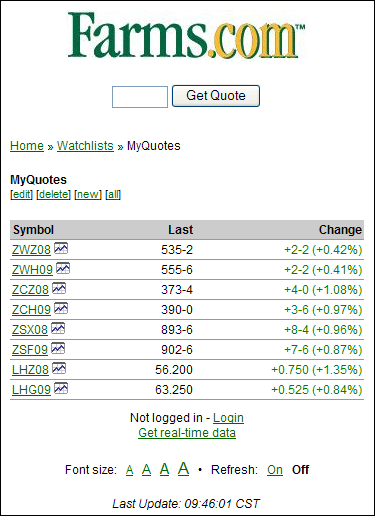
- Want more details on specific
quotes?
- Click on the ‘Symbol’ or the
chart icon.
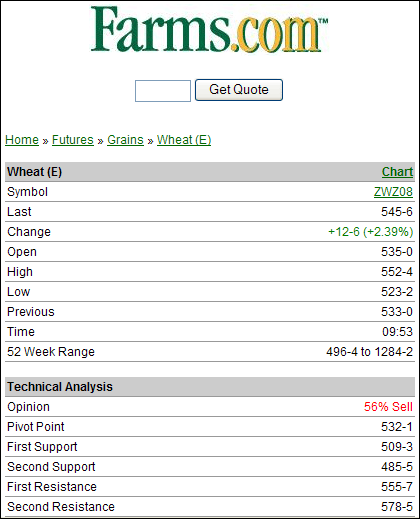
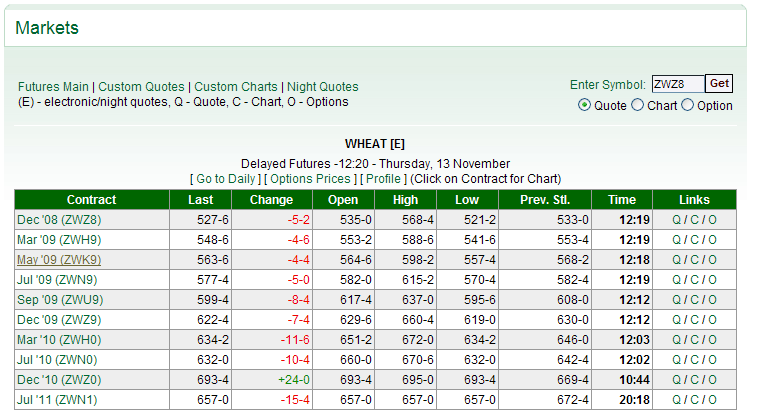
- Example: Wheat Dec’08 contract
- Click on ‘ZWZ08’
|
|
8
|
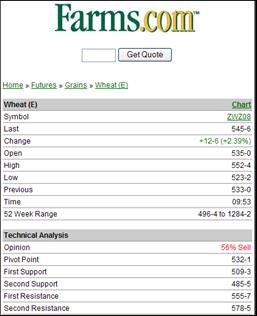
- Clicking on the Symbol gives you the following details.
|
|
9
|
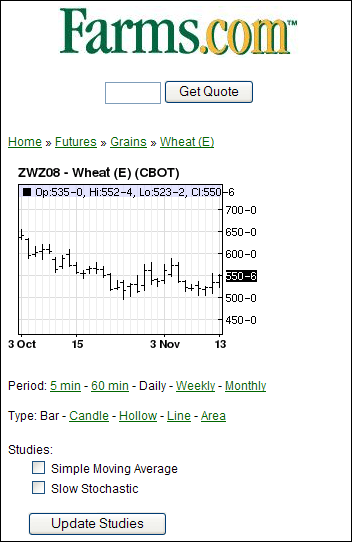
- Clicking on the chart icon gives you the following details.
|
|
10
|
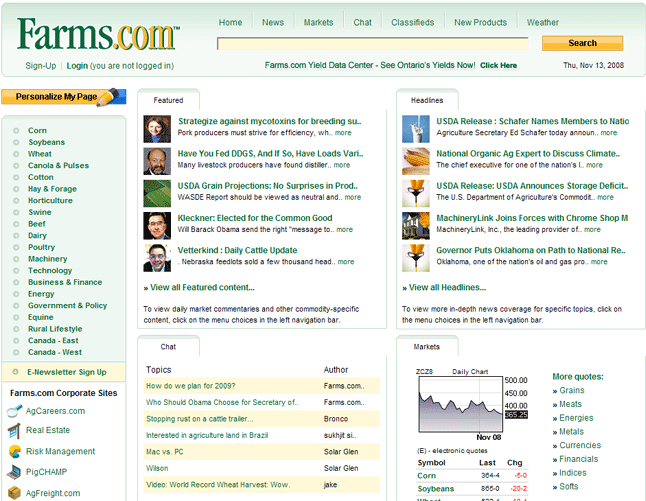
- Go to
- www.Farms.com
- Click on the link titled Markets
|
|
11
|
- Click on the
- commodity link.
|
|
12
|
|
|
13
|
|

 Notes
Notes